

Carvelobox
The Carvelobox makes renting even easier.
In the standard setup, a host manages a Carvelo from our fleet and hands it over to users when needed. In return, the host benefits from a positive public image and valuable personal contacts. However, this model also requires staff resources for handing out and receiving the bikes and limits availability to opening hours.
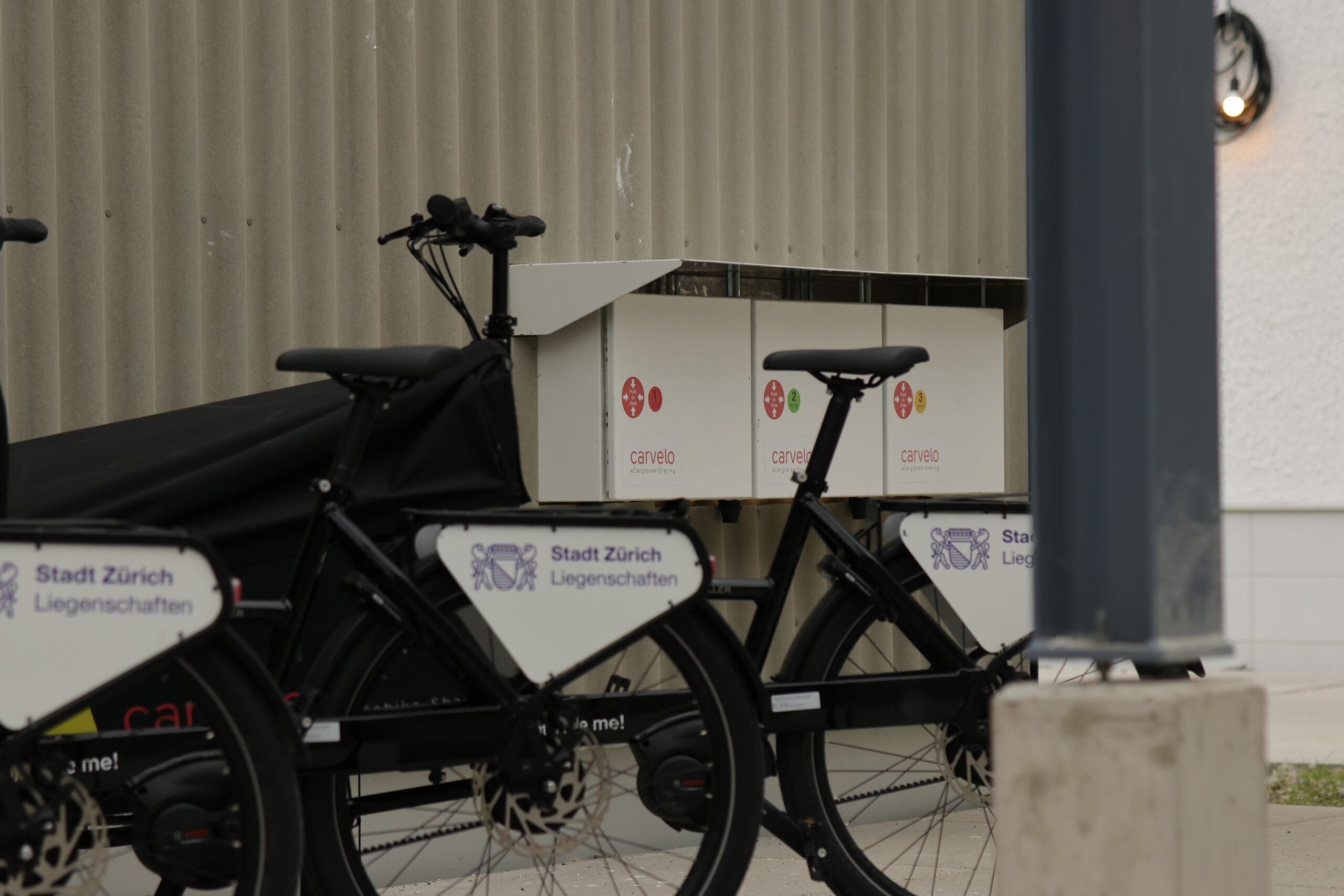
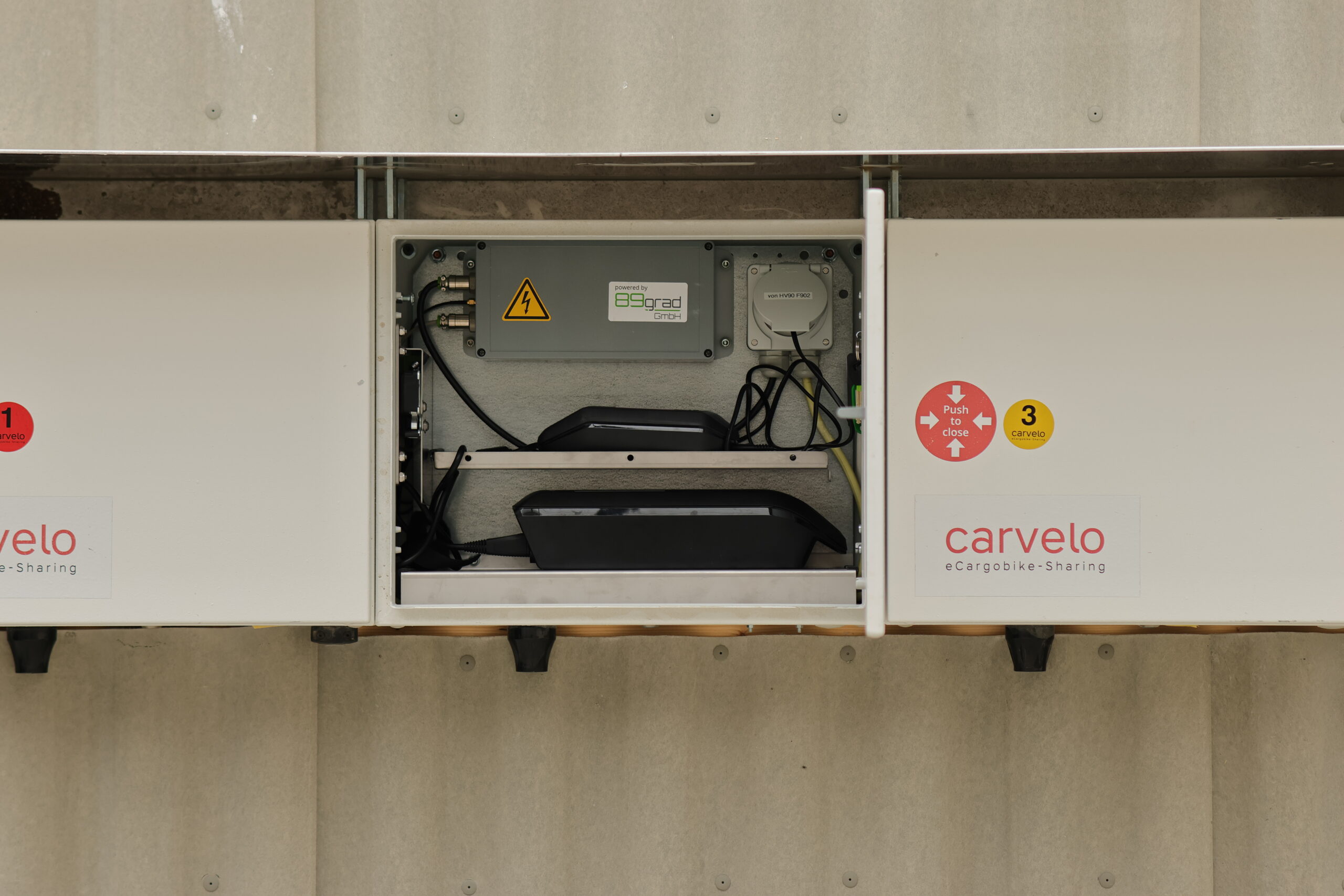
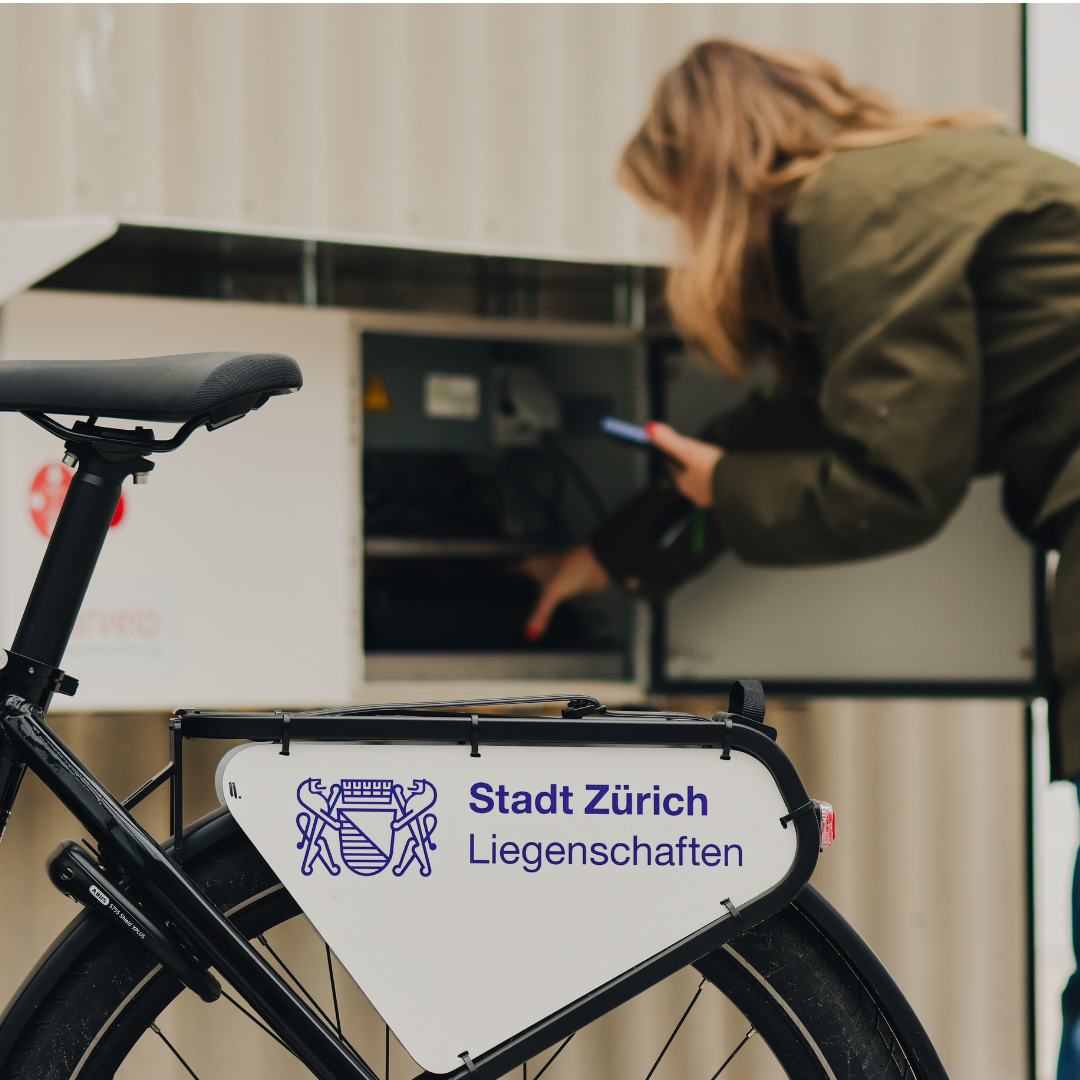
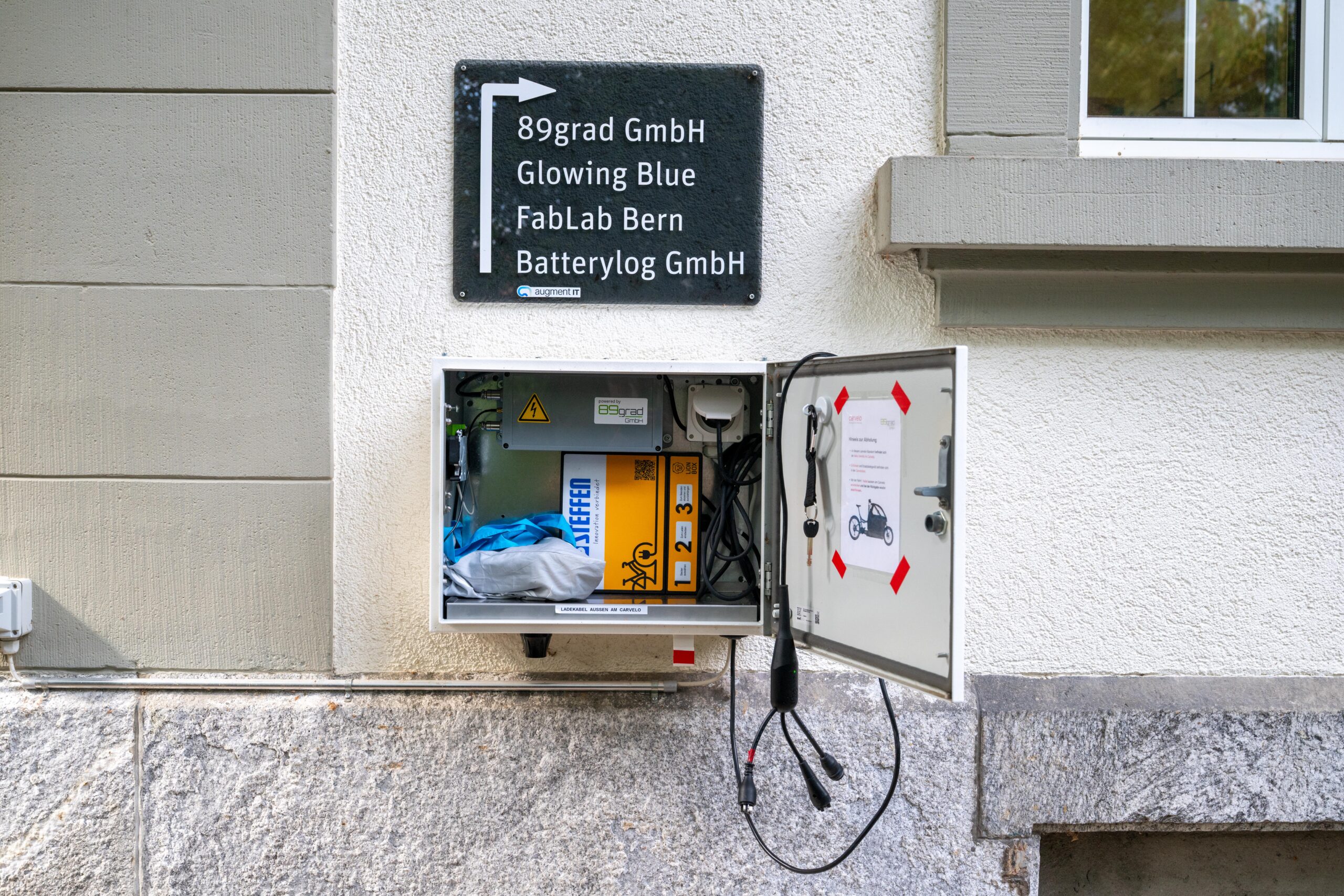
These limitations can be overcome with our Carvelobox. It allows users to collect their rented Carvelos through self-service using a secure locker system. The locker stores the bike key, charger, and battery. After each rental, the battery is automatically recharged.
The latest generation of Carveloboxes is fully connected and features an automated locking system that can be opened directly from the app.
The Carvelobox provides our users with 24/7 access and the flexibility to pick up Carvelos whenever they need them, without waiting times.
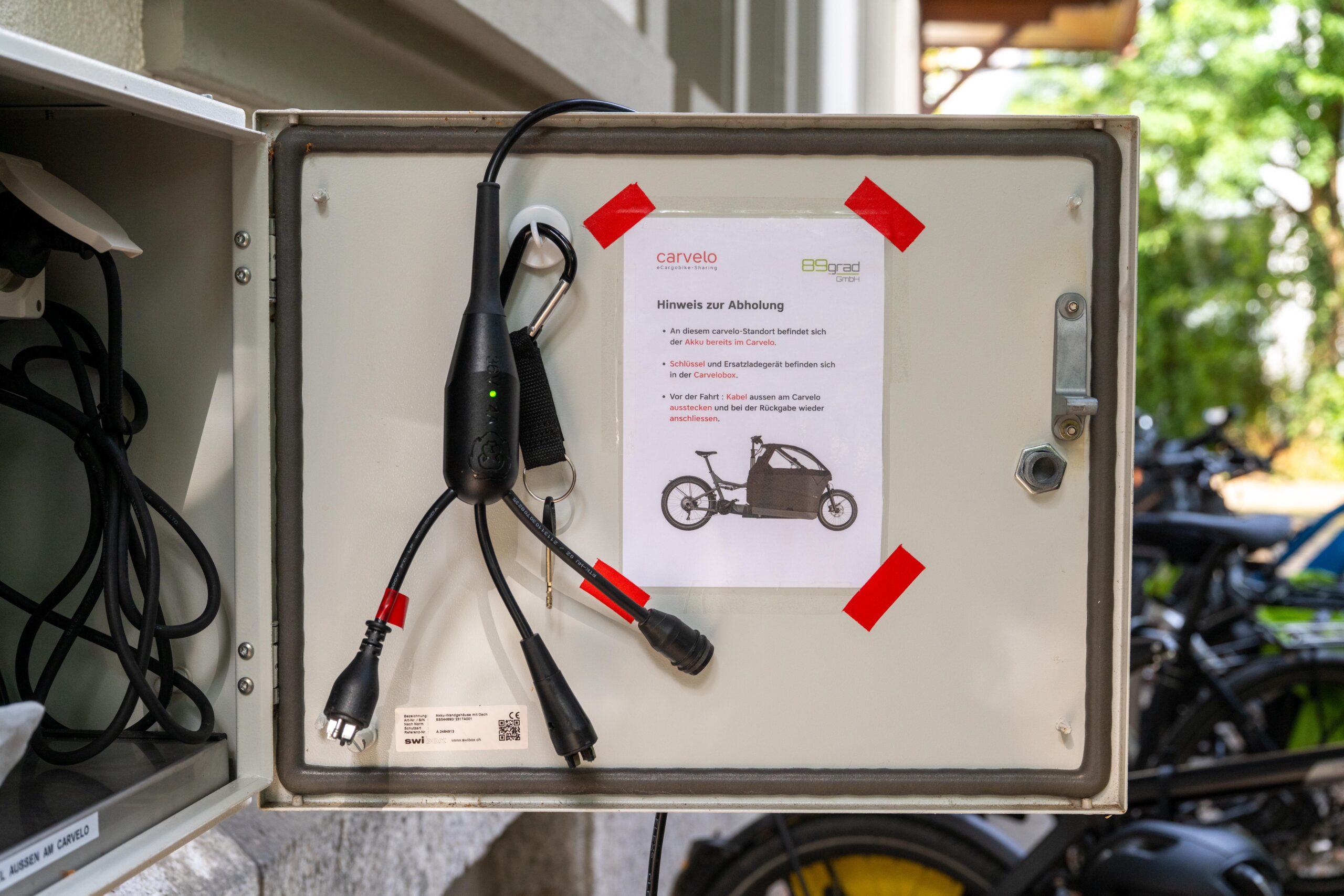
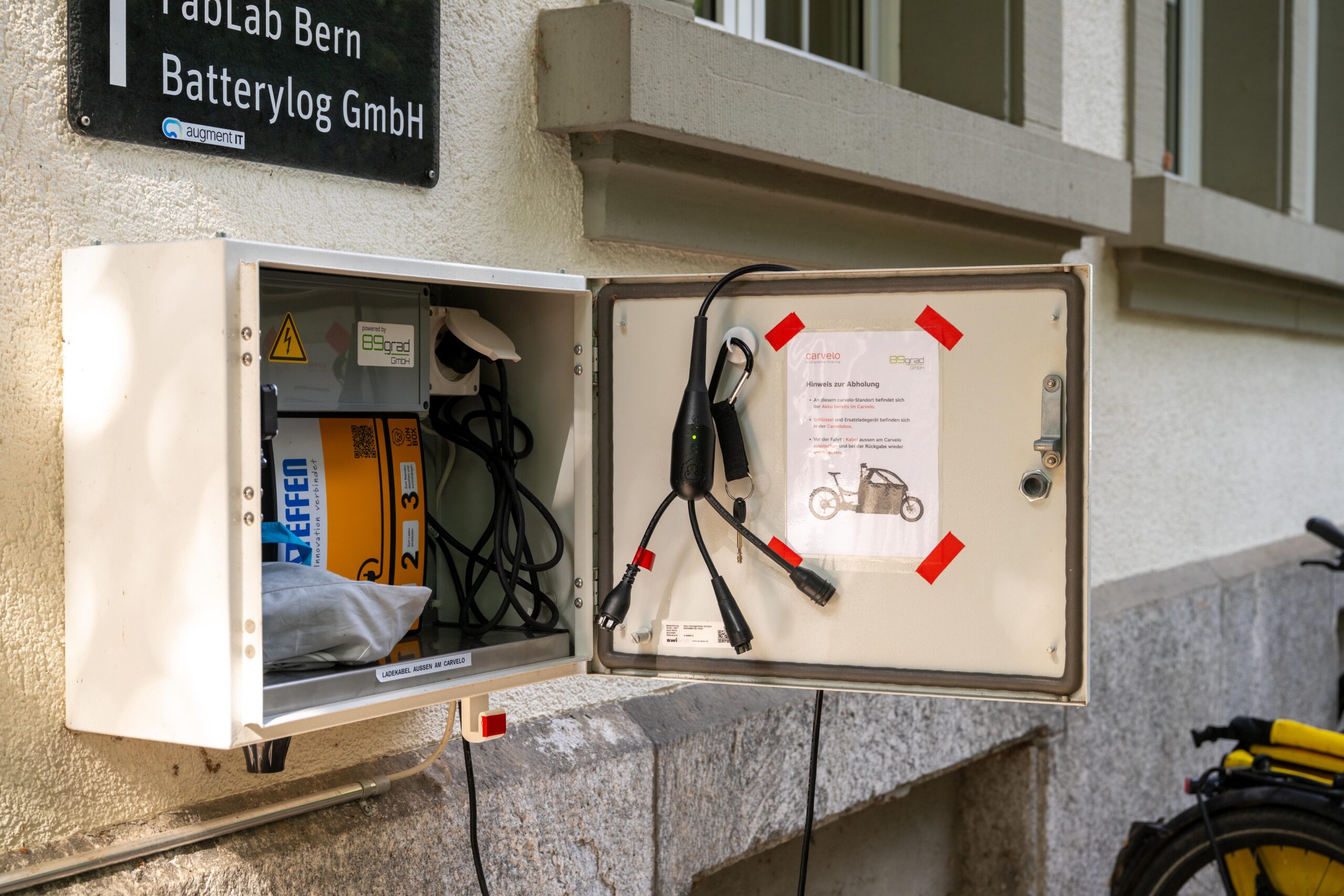
Carvelobox
To support the financing of a Carvelobox, we have prepared a factsheet. The Carvelobox can be used as an additional financing model or as a complement to an existing host-operated location.
How does it work?
- Book your Carvelo via the carvelo app. Self-service locations include the word “Carvelobox” in the name of the location.
- Pay attention to which Carvelo you have booked. At some locations, several bikes are available at the same location. The different boxes and associated bikes are usually marked with numbers and colours.
- At the start of the rental, the box can be opened directly via the app. To do this, go to “My bookings” and click on the “Open now” button in the detailed view of the booking in question.
- Now you can remove the battery, keys and, if necessary, the charger from the box.
- Please pay attention again to the colour codes of the Carvelos so that you click the correct battery onto the correct Carvelo.
- Close the box again manually by pressing at the marked point. You should hear a “click”.
- At the end of the rental period: You can open the Carvelo box again using the same button in the app. Please put all parts back and reconnect the battery to the charger. The box can be opened via the button for the entire duration of the reservation.
- If you have problems to close the door, please make sure the Carvelo is locked properly, keep battery and keys and let us know about the problem.
- Contact us if you have any other problems.